Work at Algonquin College
For four years, I’ve been the designer behind Algonquin College’s Campus Services, a department that spans food, residence, parking, retail, and more. My mission? To create clear, cohesive, and on-brand designs that make campus life smoother for students and staff. I have designed hundreds of images, from posters to signage, social media to annual reports, in addition to animations and video editing. Every project followed strict brand guidelines (Metropolis font, color palettes, and more) while streamlining workflows for efficiency. Here’s how I turned repetitive tasks into a well-oiled design system and what it taught me about working at scale.
Following Brand Guidelines
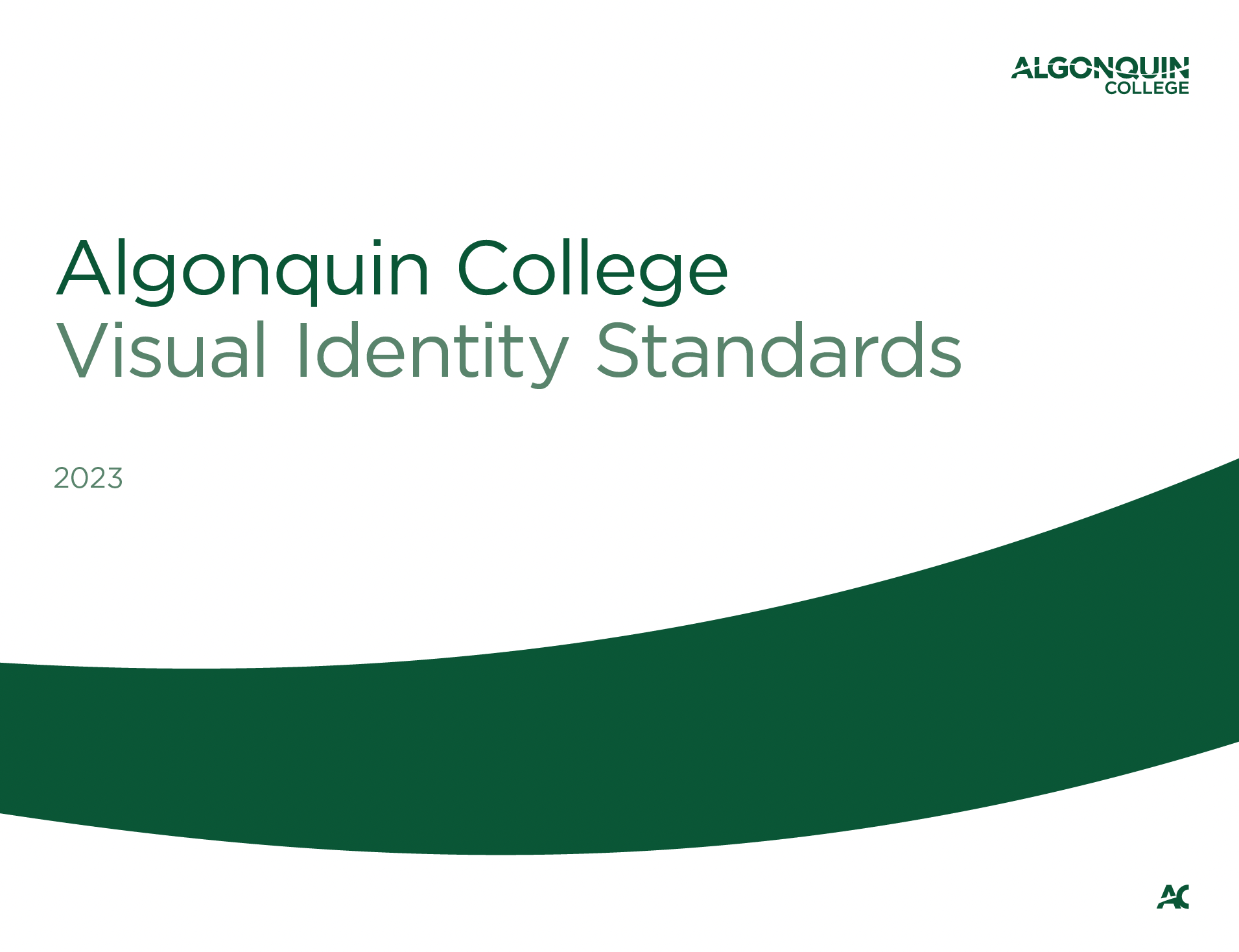
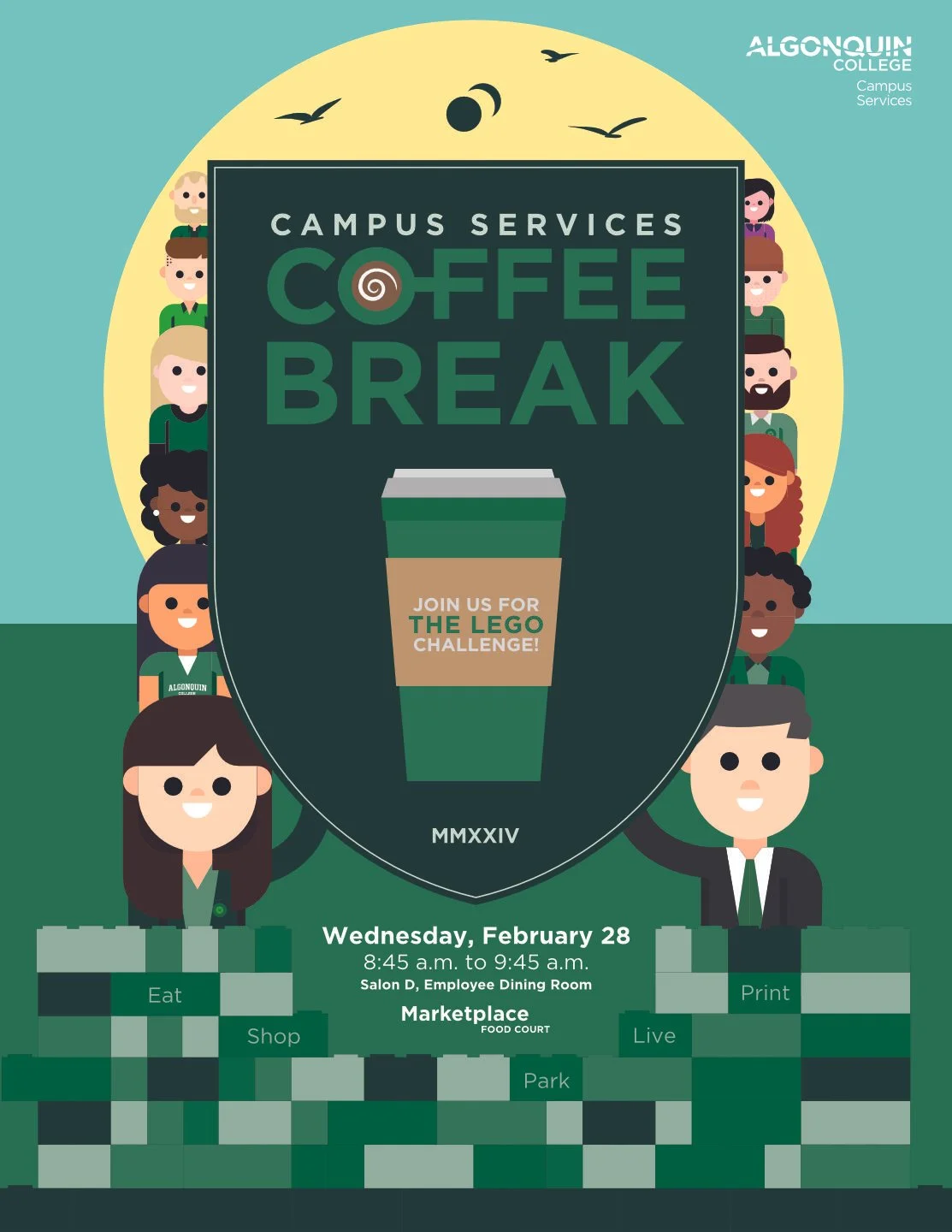
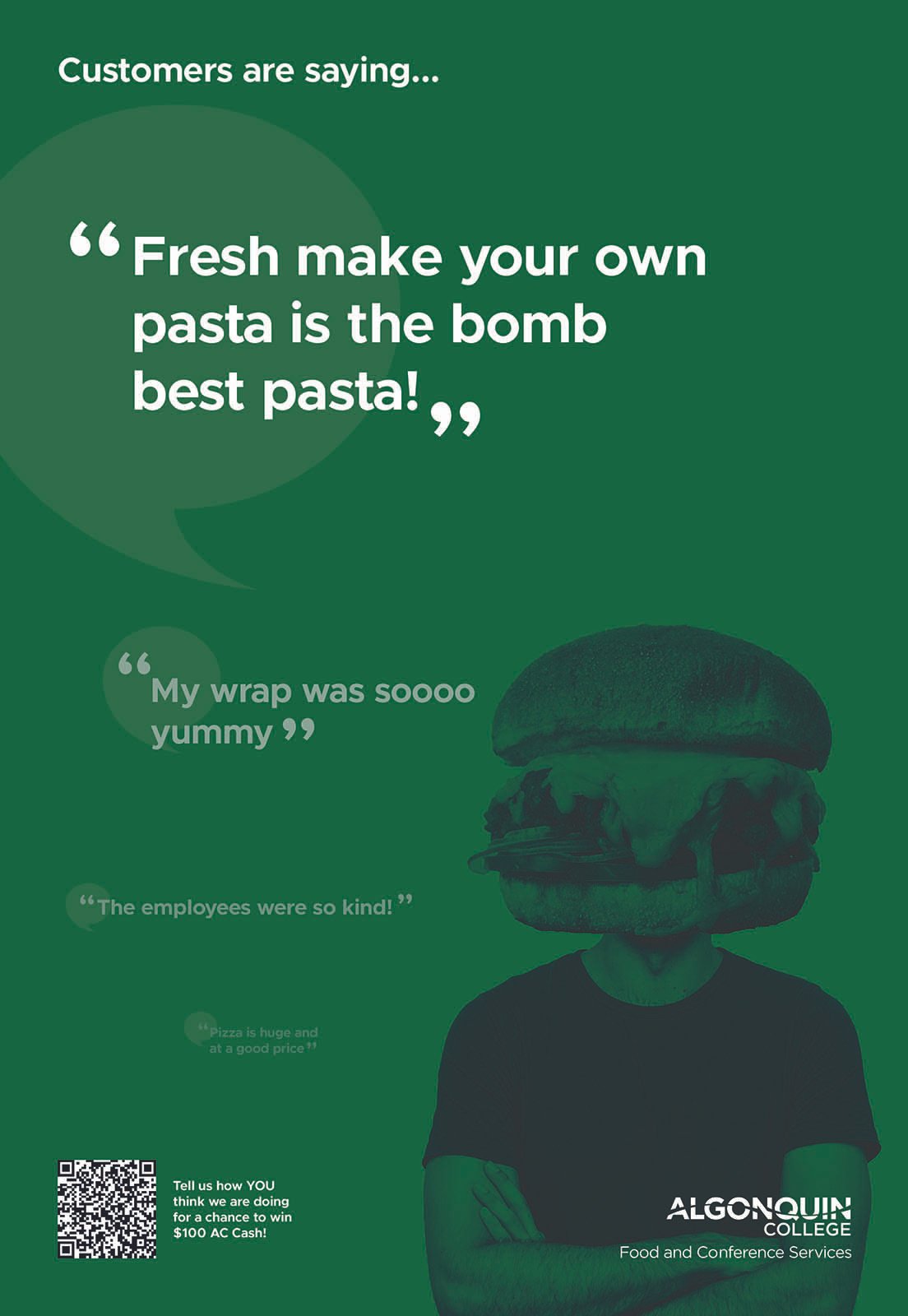
Algonquin College’s brand is built on Metropolis font, a defined color palette, and clear hierarchy rules, so every piece I created adhered to their Brand Guidelines document. But within those constraints, there was room to innovate.
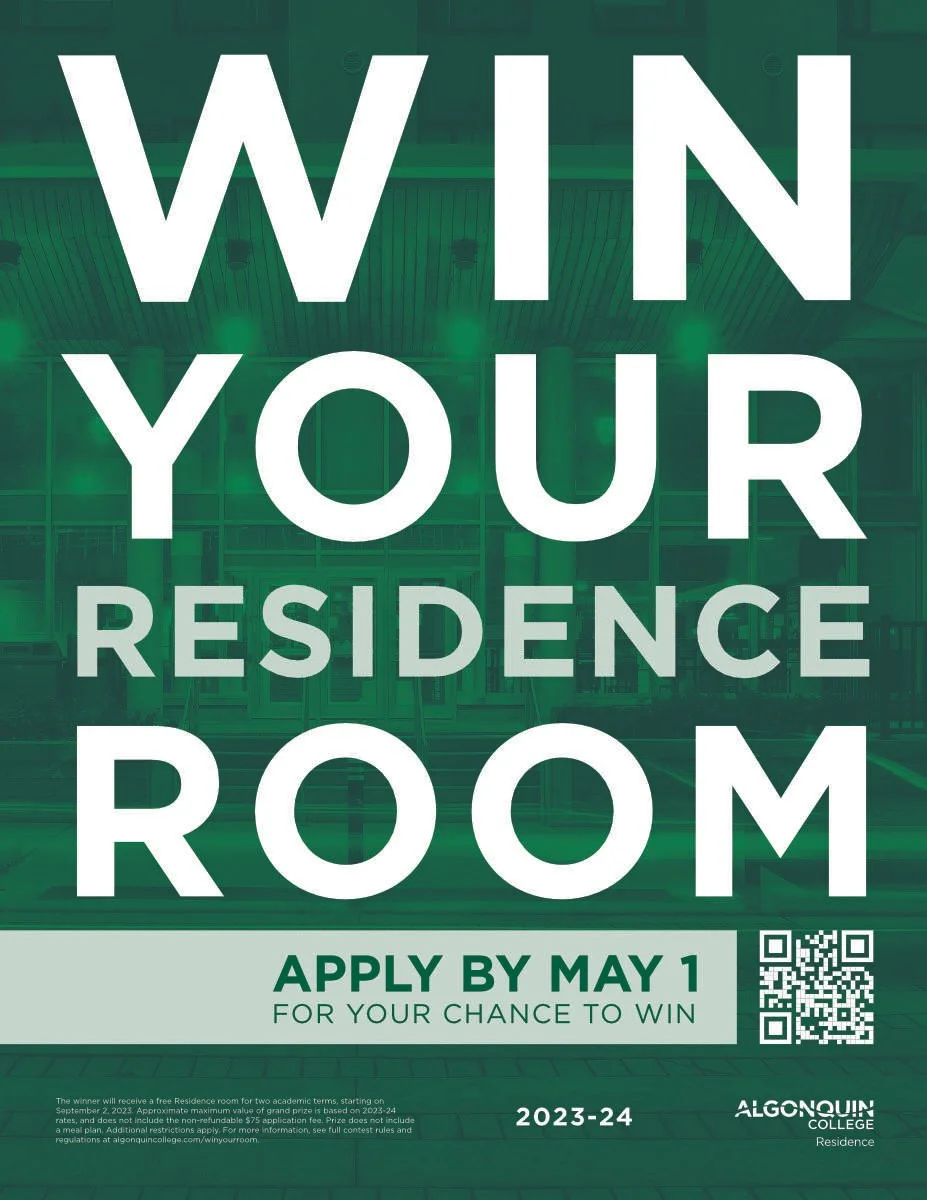
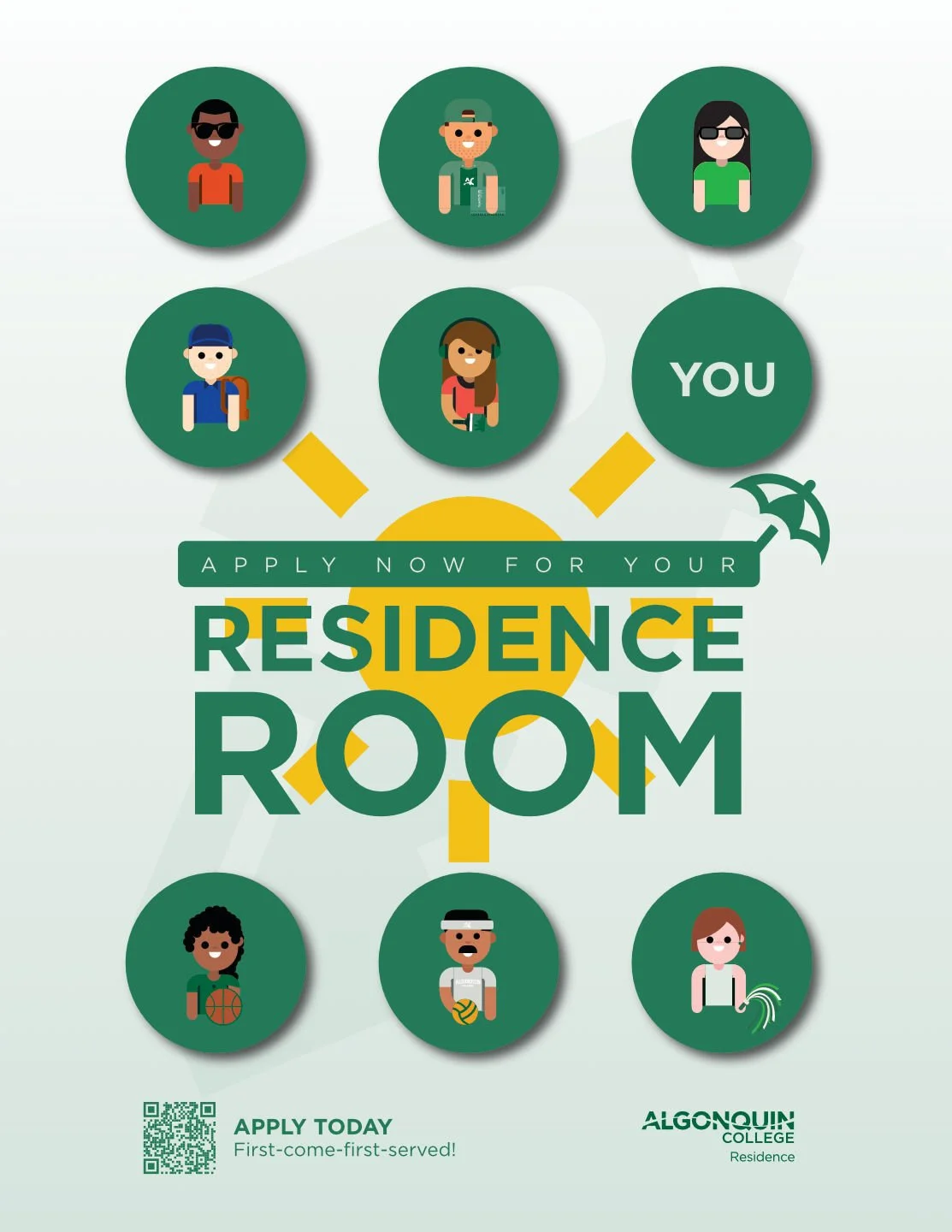
Promotional poster for a residence campaign. Green gradient imagery, various shades of green, text hierarchy.
Efficiency was key, so I built a system to save time and maintain consistency.
Adobe Cloud Libraries:
Created shared libraries for:
Color palettes (Algonquin’s primary/secondary colors).
Icons (for wayfinding, services, etc.).
Logos (Campus Services sub-departments).
Illustrations
Result: No more hunting for assets, everything was one click away.
Illustrator Templates:
Pre-set file sizes for common projects:
Posters (11x17", 8.5x11").
Social media (Instagram, Facebook banners).
Signage (various dimensions for indoor/outdoor).
Example: A template with grids, title and sub-title, logos, background, layers
Microsoft Teams Organization:
Files sorted by year and area (e.g., 2023 > Retail Services > Holiday Promo).
File name convention, specifying the file size to make it easier for colleagues and the Print Shop
Shared folders for collaboration with marketing and facilities teams.
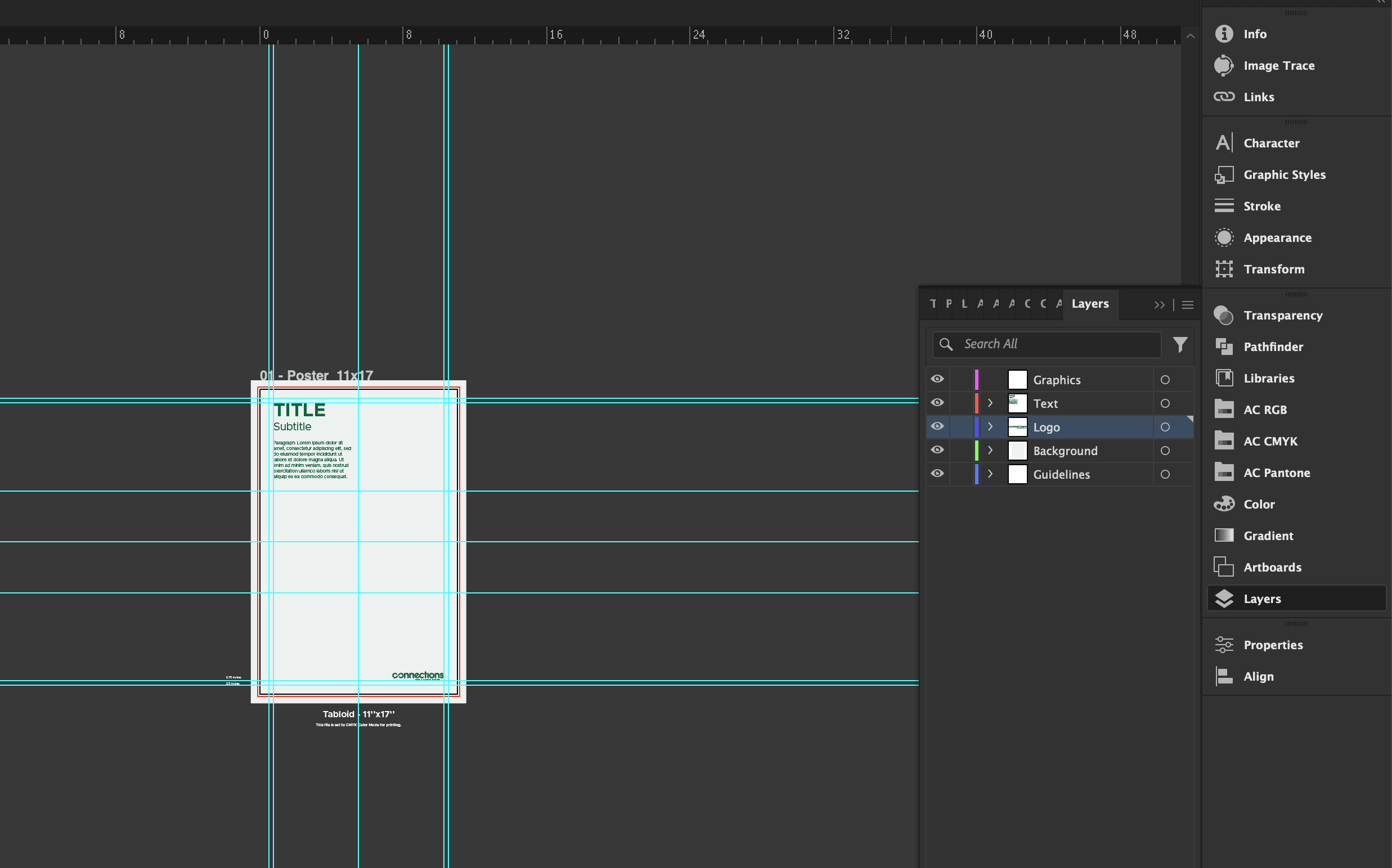
Adobe Illustrator Template with grids, text, logo, layers
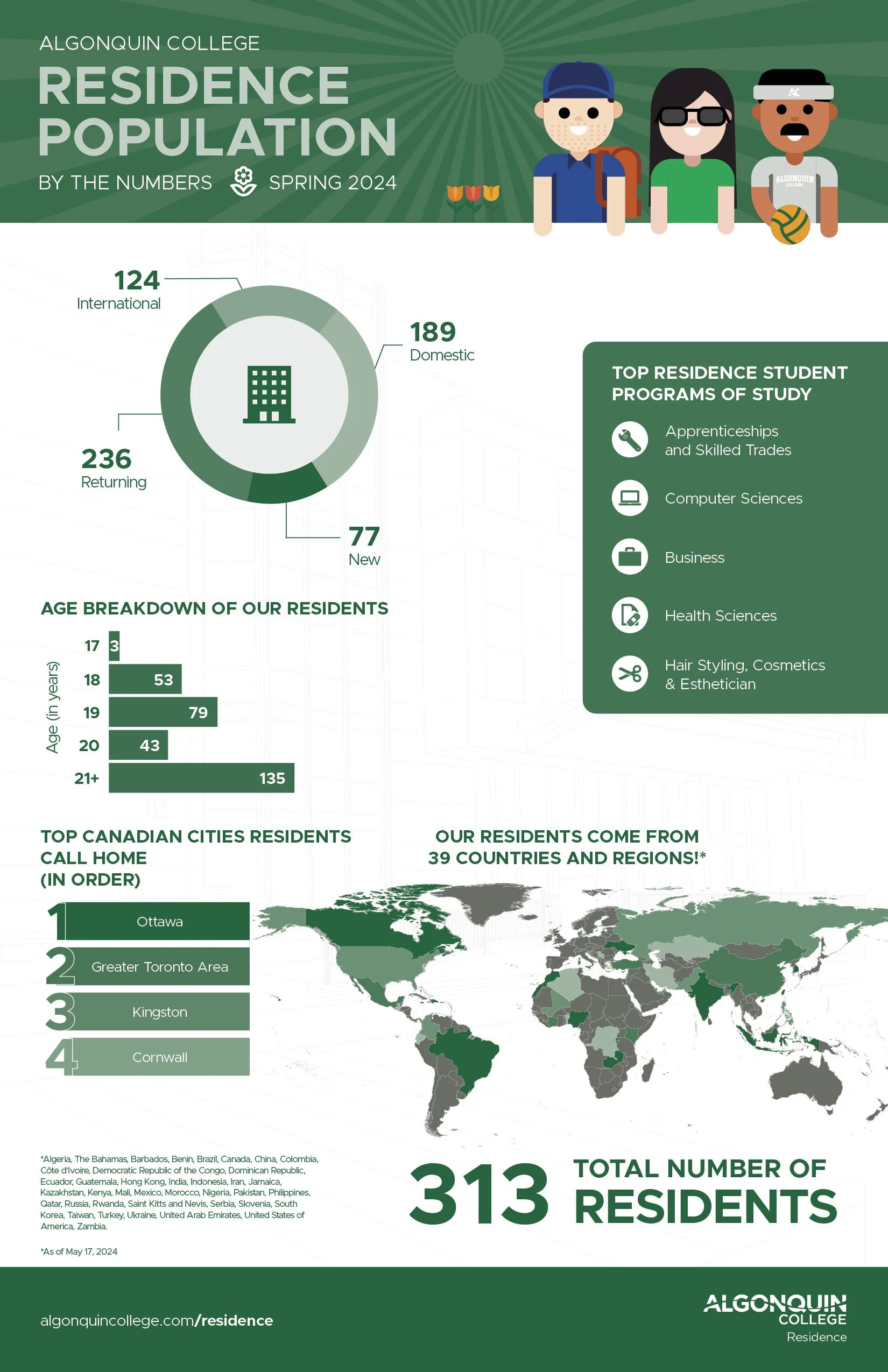
Working within Algonquin College’s brand guidelines might sound limiting, but it actually pushed me to get more creative. Constraints force you to think differently, and that’s where the magic happens. Instead of seeing the guidelines as a box, I treated them as a framework to experiment within. The result? A library of designs that feel cohesive yet fresh, whether it’s a playful poster for Residence Life, a clean infographic for the annual report, or a bold signage system for Parking Services.